

More than a fixed watering schedule
The booking is the starting point. SmartClub G1 automatically retrieves the schedule from connected club software, including the changes and cancellations supported by the selected connection.
This allows the local controls to align irrigation with matches and training. The aim is a suitable moisture balance with less manual coordination. Weather, pitch conditions and installation limits remain decisive.
Example schedule
Bookings in your club software
-
Training
Scheduled pitch use
-
Free time slot
Time to assess irrigation conditions
-
Match
Scheduled pitch use
From a booking to irrigation
SmartClub G1 connects bookings to the local controls. The controls determine when irrigation may start; the controller performs it. G1 does not replace the controller or independently determine water needs.
-
Club software
Supplies bookings and supported changes.
-
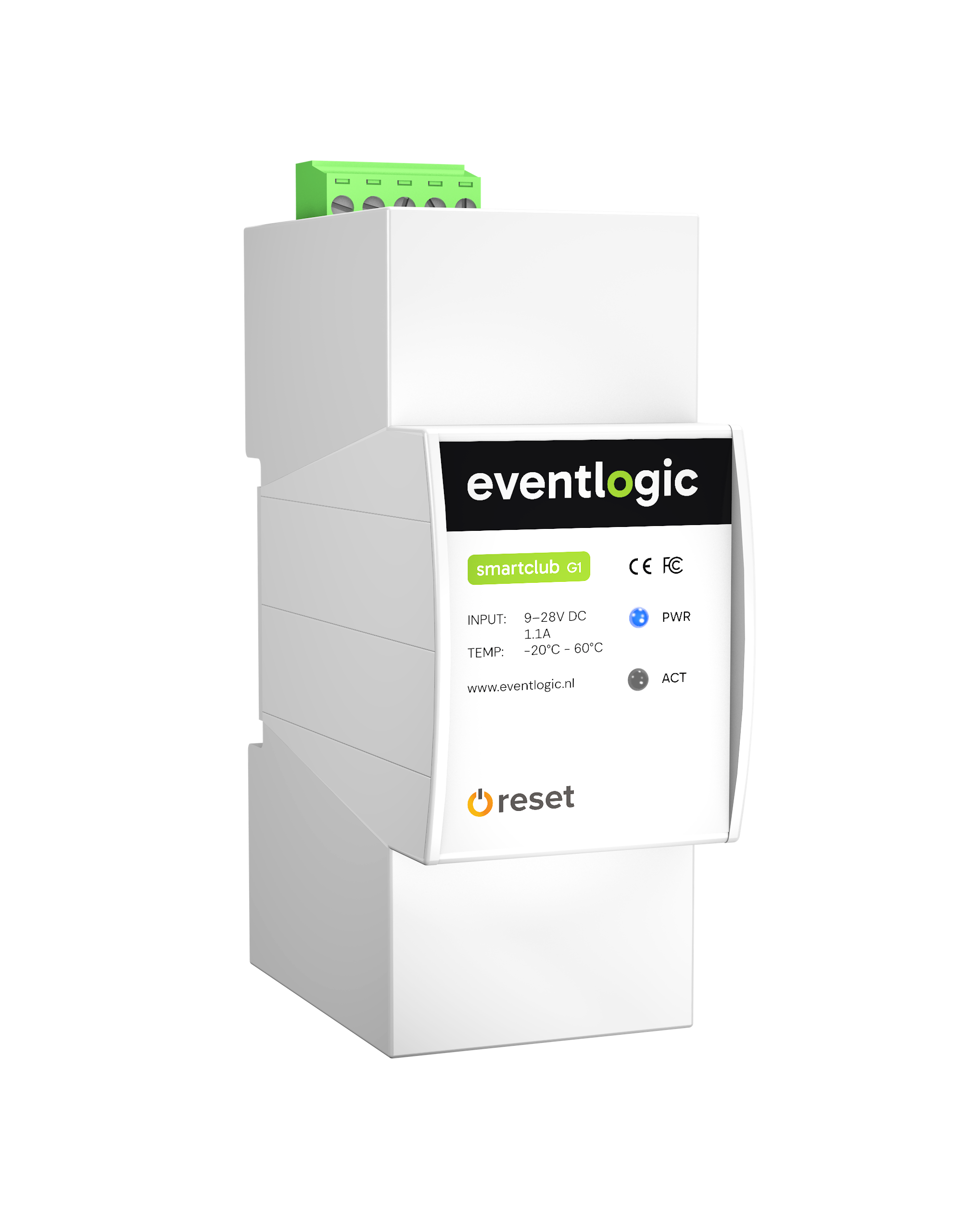
SmartClub G1
Connects booking data to the local controls.
-
Local controls
Check the schedule against settings and available weather or field data.
-
Irrigation controller
Performs irrigation when the configured controls allow it.
The components work together
The available equipment determines the setup, for example with a Loxone Miniserver as the local controls. Not every application needs the same sensors.
-
Club software
Supplies bookings, changes and cancellations supported by the connection.
-
SmartClub G1
Connects the schedule to the local controls.
-
Controls
Enforce times, conditions and installation limits.
-
Controller
Operates valves, sprinklers and any pump.
-
Weather and sensors
Supply rainfall, temperature or soil moisture where available.
What you can coordinate
The rules follow your pitch management and the capabilities of the connected equipment.
-
Avoid scheduled play
No watering during matches, training or individual bookings in the schedule.
-
Time before the next player
Leave enough time between irrigation and the next planned period of play.
-
Account for rain and frost
Postpone or block irrigation when the required weather data is available.
-
Assess moisture balance
Use suitable measurements and settings for the surface.
-
Adjust to the season
Align times and zones with maintenance and expected occupancy.
Start with your pitch and installation
We assess each installation individually. Compatibility with Hydrawise, Rain Bird, Hunter or Toro, for example, must be confirmed for the model and connection. A brand name alone is not a guarantee.
-
Controller and zones
Which components are present, how are they controlled and what field data is available?
-
Schedule and maintenance
Bookings describe planned use, not actual presence. Local safeguards and maintenance requirements remain decisive.
-
Management and outages
New bookings and online weather data are not immediately available during an outage. We agree how the controls handle outdated data and manual intervention.